
I accidentally deleted all of my Notability notes by mistakenly selecting the wrong backup options [^1]. This included my literature notes, research recordings, and mathematical derivations for years and years! T___T Fortunately, after some testing and trial and error, I was able to recover them from my MB Air’s time machine backup.
The first difficulty is finding the path of Notability to check the status of notes. From the official website, the path is listed[^2] and then we go to that folder[^3] and check by using Terminal.
$ cd /Users/$USER/Library/Mobile Documents/ZP9ZJ4EF3S~com~gingerlabs~Notability/Documents
The screenshot of this folder is shown as follows,
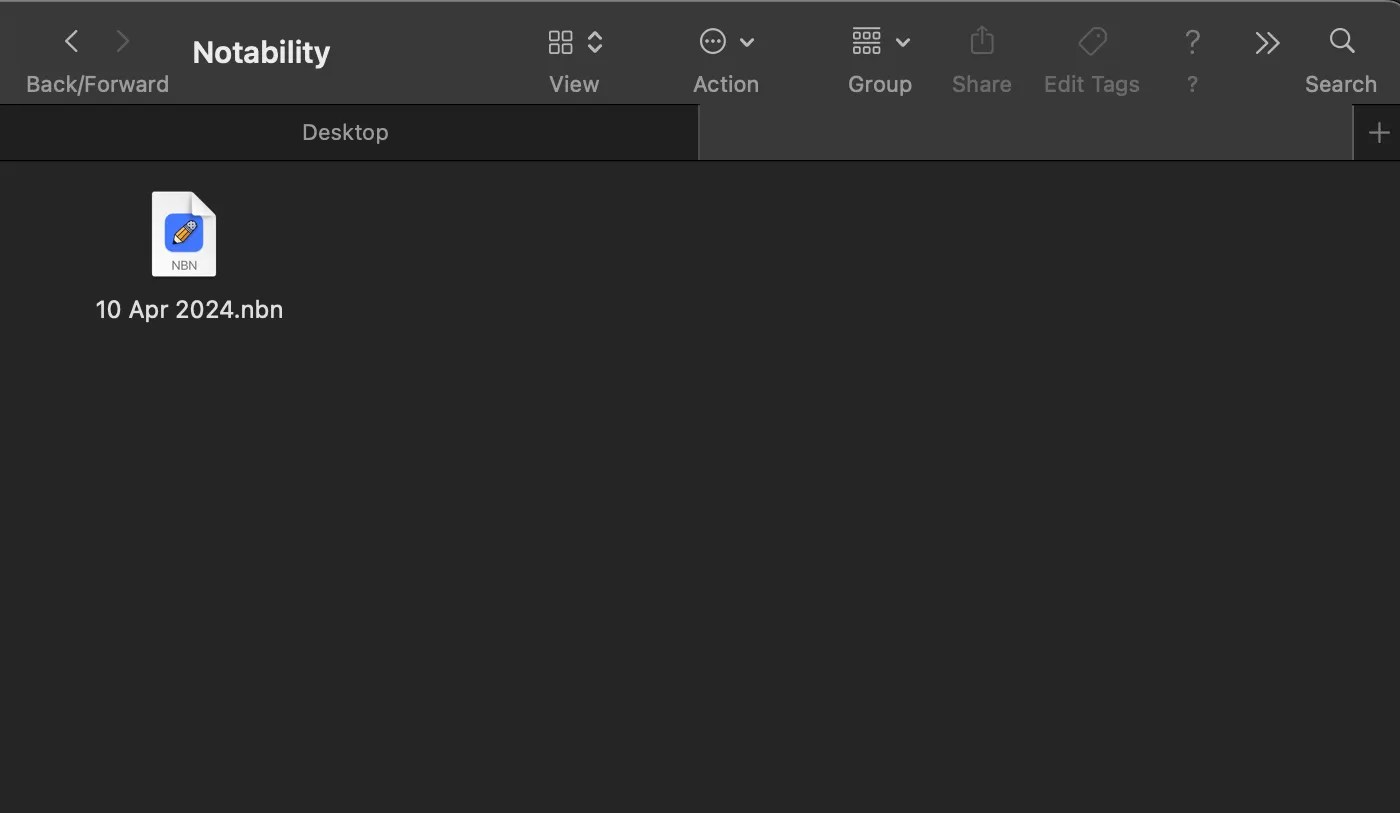
 literately nothing there (T___T). We now open this folder by Finder.
>$ open
The information is the same as it was shown in the terminal.  Then open the time machine,
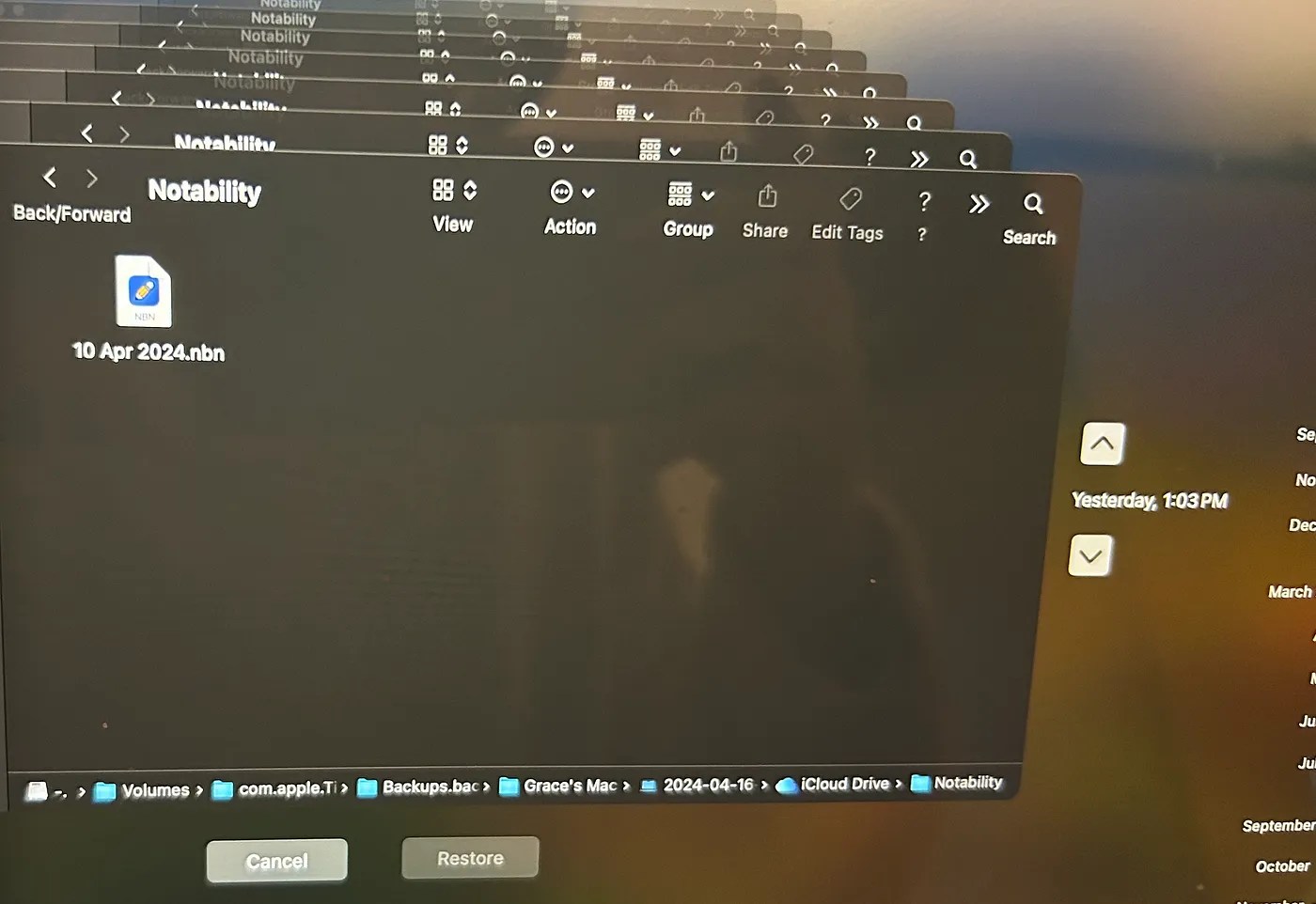
Go back to the snapshot that contains the original notes. Copy them from the time machine, exit, and then paste them into the local folder.
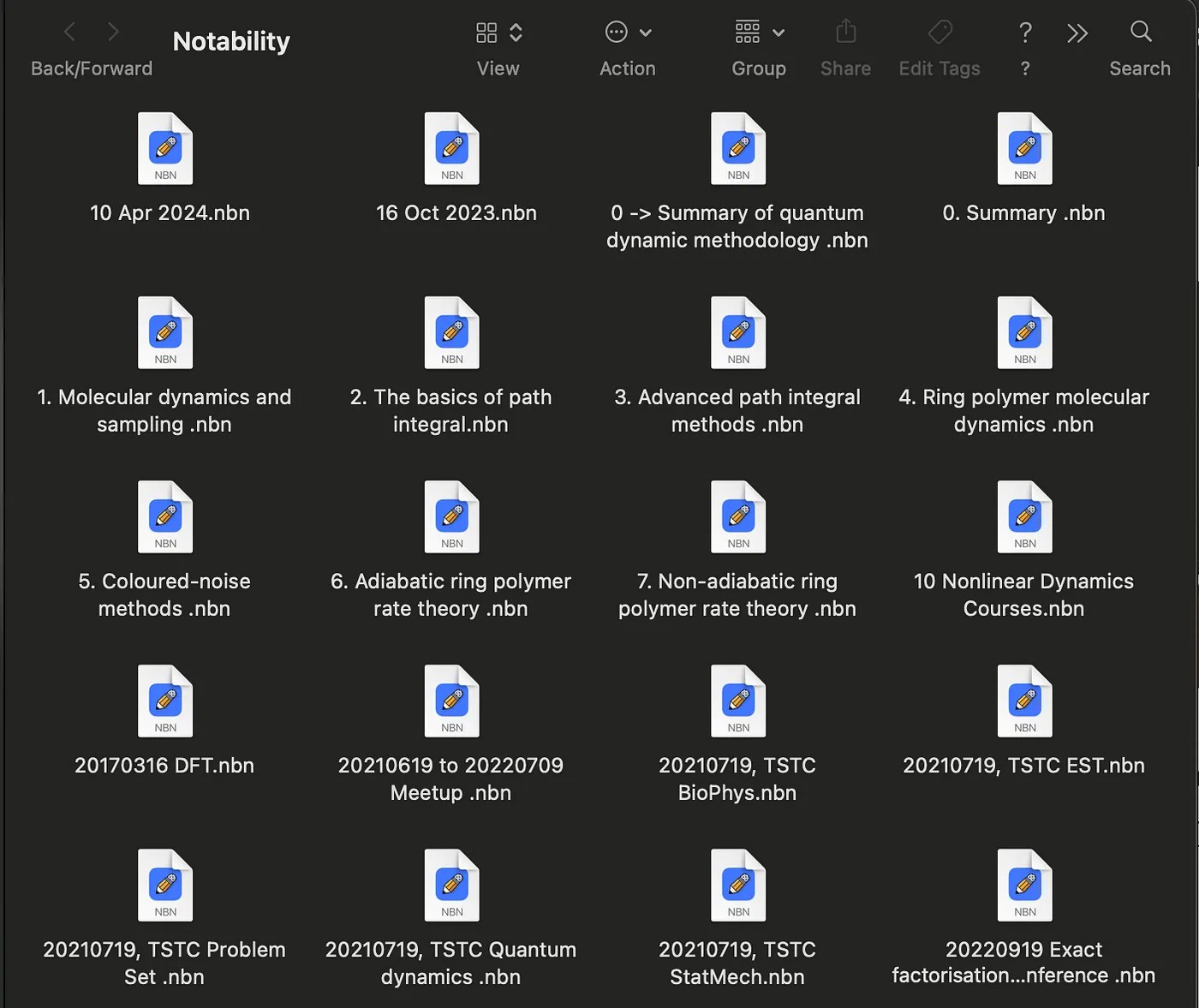
 Bingo, they are all back.
[^1]: 千萬別動 iCloud 設定,否則輕易向筆記與回憶告別 — — Notability 儲存文章地雷
[^2]: Notes Disappear After Signing Out of Apple ID
[^3]: Please note that the folder path contains a variable named $USER, which is specific to each user.
 Artistic scientist
Leave a comment